
PAPI & VASI Visualizer
See how approach lights change as you move above, below, or onto the glide path.
Connect the approach profile to the runway view
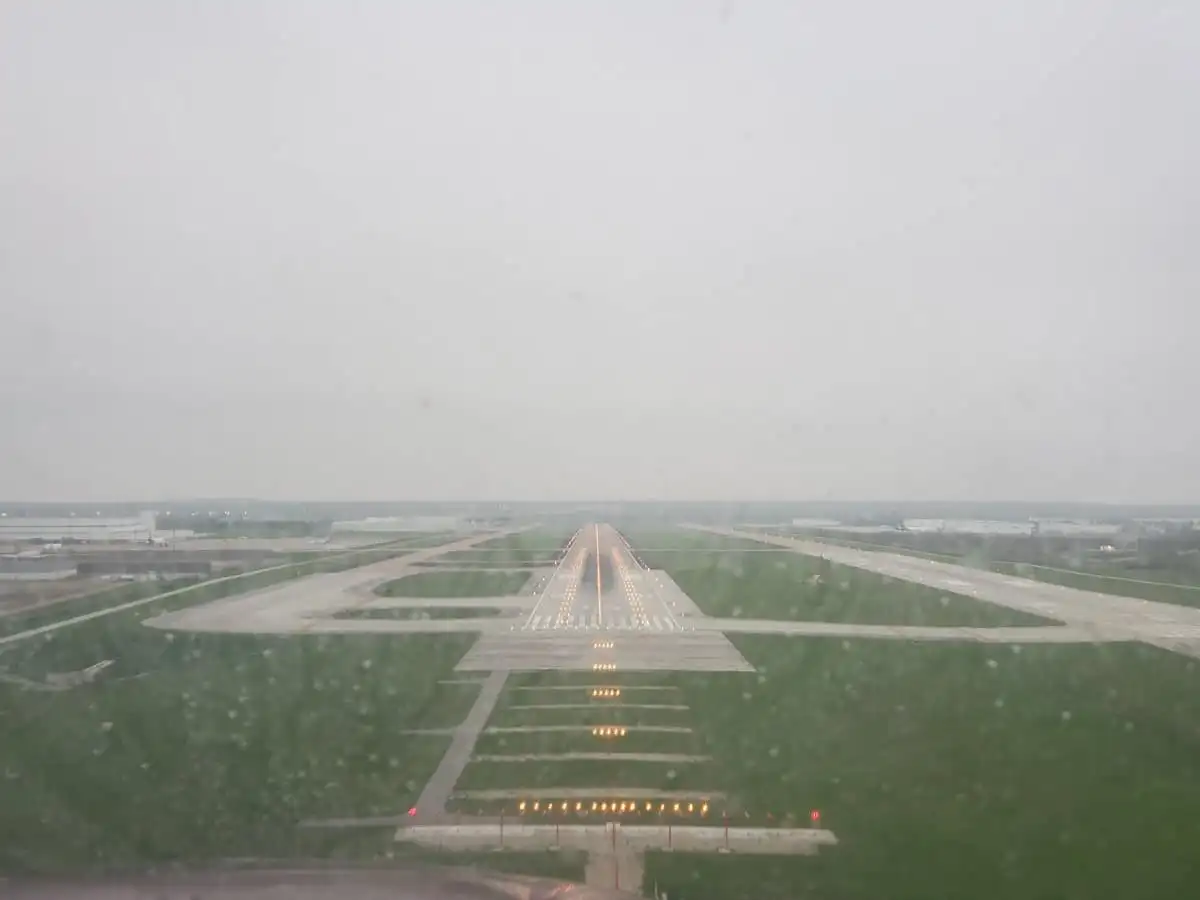
See the airplane’s position relative to the glide path on the left and the pilot’s view of the runway on the right. Move the airplane to see how PAPI, VASI, and other visual guidance systems show whether you’re high, low, or on path.
- See height and distance on the approach profile
- Read the lights in the 3D runway view
- Compare runway and helicopter indicators
Read the lights from the pilot’s seat
- Start on the path
Choose PAPI, then select Center on path. Find the light row beside the runway and compare it with the airplane’s position on the profile.
- Look above and below the path
Move the airplane above or below the reference line. Watch how the red and white lights change in the runway view.
- Repeat with two-bar VASI
Switch to a two-bar VASI and watch the near and far bars as you change the airplane’s height.
Compare the available indicators
Start with the Precision Approach Path Indicator (PAPI), then try APAPI, Double PAPI, and Double APAPI. The Visual Approach Slope Indicator (VASI) options include two-bar VASI (2-box or 4-box) and three-bar VASI (16-box).
Explore Pulsating VASI (PVASI), Tri-color VASI (TRCV), SAVASI, Alignment of Elements (APAP), IFLOLS, FLOLS, AVASI, and T-VASIS.
Helicopter options include HAPI, Stabilized Glide Slope Indicator (SGSI), and ASGSI.
Sources and further reading
Put it into practice
Open PAPI & VASI Visualizer to try it for yourself, or explore the rest of the tools we build at Pilot Rise.