
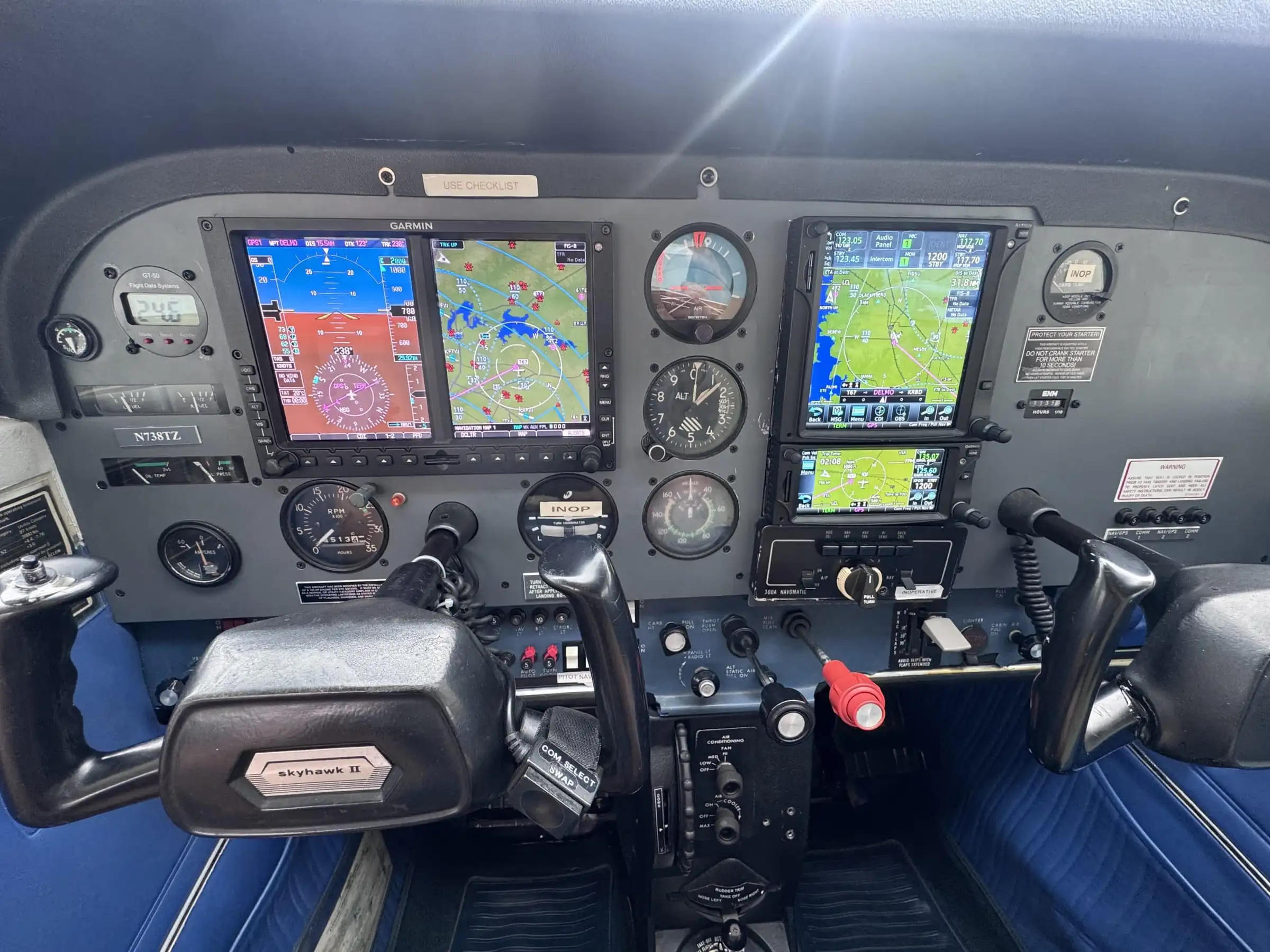

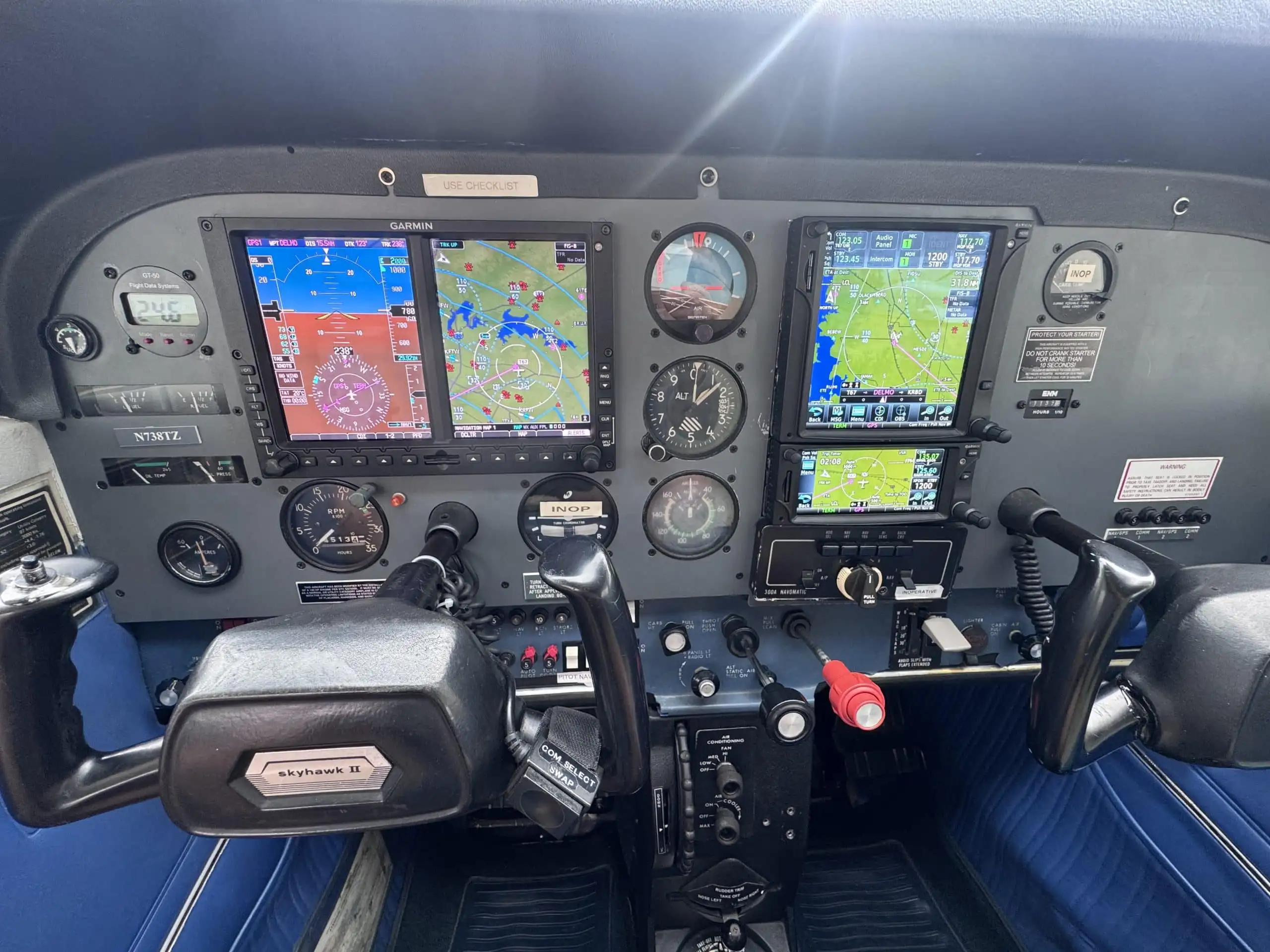
Basic Instruments Lab
Practice reading a six-pack or electronic panel, then look inside to see how the instruments work.
See how the six-pack responds in flight
The six-pack brings together the airspeed indicator, attitude indicator, altimeter, turn coordinator, heading indicator, and vertical speed indicator. Try a climb, turn, slip, or skid and watch the readings change together.
- Watch the panel respond to flight controls
- Compare instrument types and displays
- Select a marking or part to see what it does
Try different instrument layouts
- Switch to twin-engine airspeed
Find the blue line for best rate-of-climb speed (VYSE) and the red line for minimum control speed (VMC). Both markings refer to flight with one engine inoperative.
- Compare the turn instruments
Swap the turn coordinator for a turn-and-slip indicator and compare them during a turn.
- Read the electronic panel
Switch to Electronic view and compare the sky pointer and ground roll indicator on the attitude display.
The Electronic view uses a dual-display layout similar to a G5 panel. For examples from the Pilot Rise fleet, see the manufacturer pages for the Garmin G5 and uAvionix AV-30.
Look inside each instrument
Open an instrument and select a marking in How to read for an explanation. Switch to Inside to explore the diagram and select its individual parts.
Try the altimeter. Select the sealed capsules, then follow the linkage and gears that turn their movement into a reading.
Put it into practice
Open Basic Instruments Lab to try it for yourself, or explore the rest of the tools we build at Pilot Rise.